Hard on threats. Easy on humans.
Gatehouse is now NopeWarden. One schedule for every recurring job, a resolver of its own, and DNS changes that wait for your say-so.
A new name
Gatehouse is now NopeWarden. Same shield, same plain-English console. Protect your network, and reclaim your weekend.
One schedule for everything
Update checks, blocklists, country lists and threat rules share one editor: every N hours, daily, weekly or off. A failed job retries after 5 minutes, 15, 30, then hourly.
Resolve directly
Turn on NopeWarden's own resolver and it asks the internet's root servers itself. DNSSEC is checked and failures are explained in plain words. If direct lookups stop, it falls back to encrypted forwarders and tells you.
DNS waits for Review
DNS changes now stage with your firewall and network changes. Apply or discard them together.
DNS follows the route
A device sent through a VPN looks up names through that VPN, and each website route shows the addresses learned for it.
Names in threat alerts
Alerts look up the name behind an address, retry when the first try finds nothing, and show what each topic blocks.
Traffic for every VPN and network
Live graphs and totals on each page, a Your VPNs card on Overview, and a grey Idle pill for quiet tunnels.
A better map
5 and 15 minute ranges and a popout beside the country you hover.
Friendlier VPN import
Profiles from more providers import cleanly, and a refusal says exactly why.
Release 0.9.3
Discard one waiting change
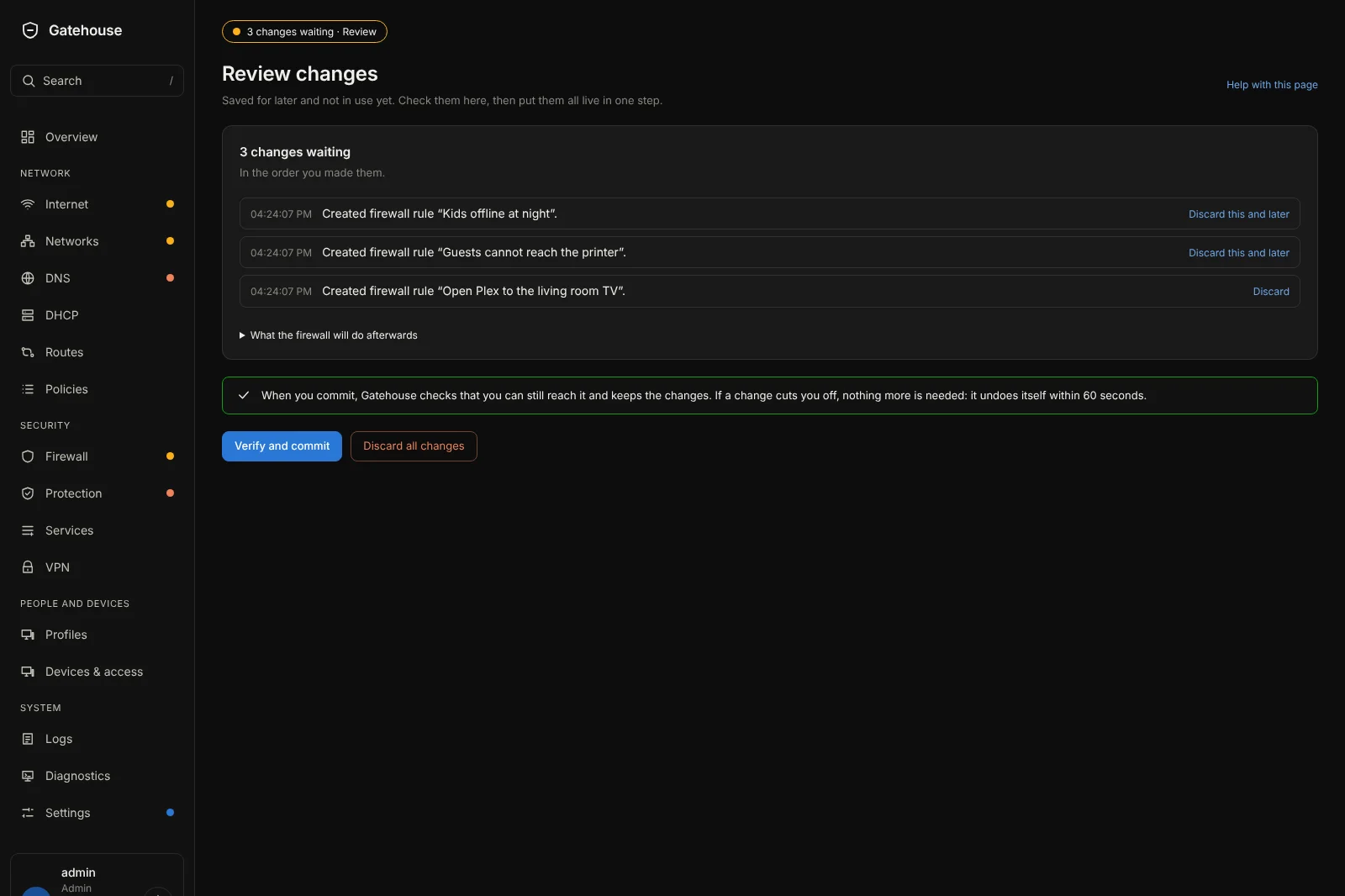
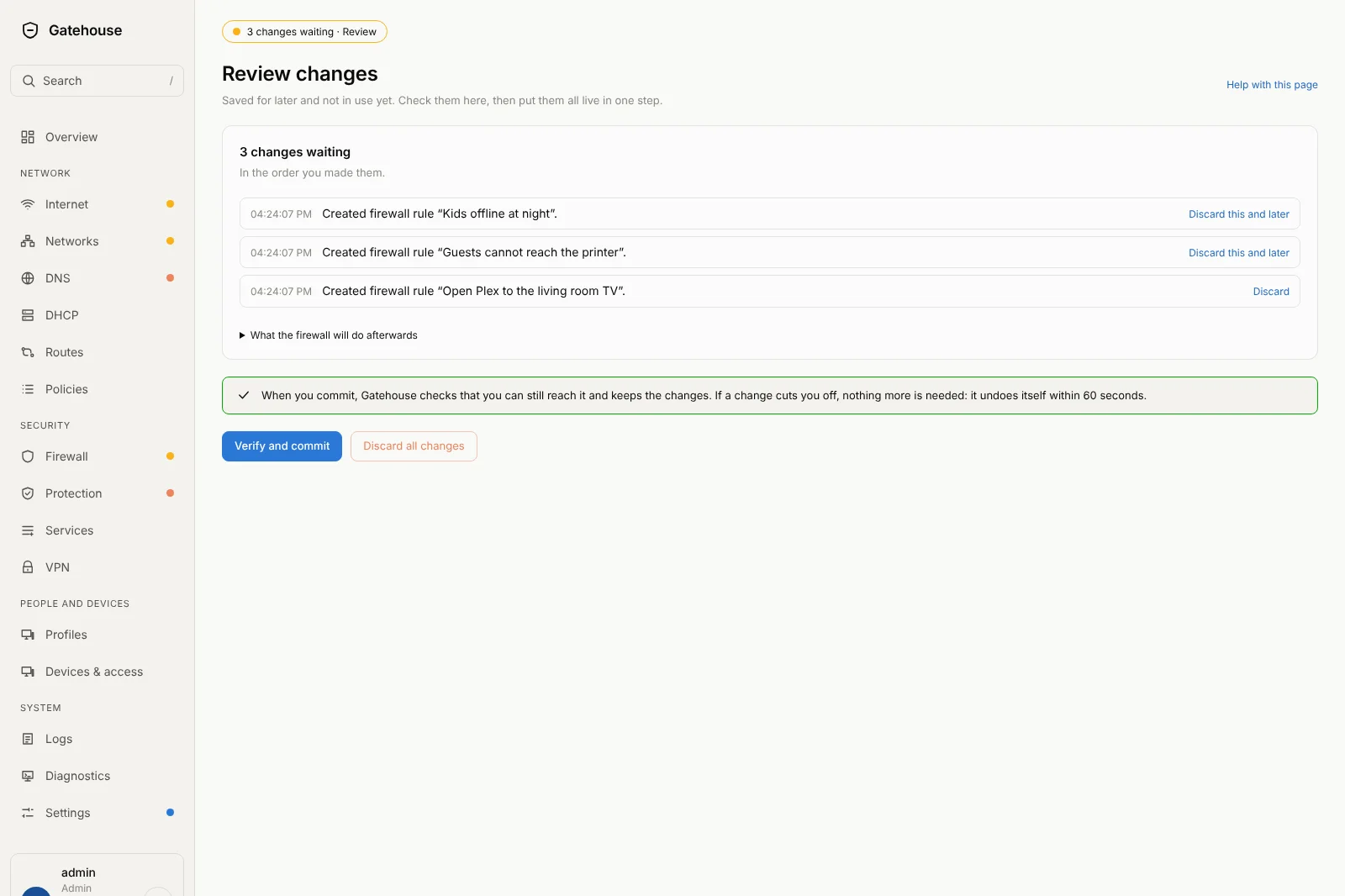
Every line on the Review page now has its own Discard. It puts things back to just before that change. Later changes can depend on earlier ones, so it also drops the changes saved after it, and asks first. On the last line it drops only that one. Discard all changes is still there.
Save for later in more places
Open ports, services, device groups, DHCP networks and reservations, connection groups, VPN settings, letting networks see each other, and who may manage NopeWarden now offer both Save and apply and Save for later.
US time zones first
In setup, the time zone list starts with Eastern, Central, Mountain, Arizona, Pacific, Alaska and Hawaii in plain words, then every other zone.
A properly named installer
The installer image is named with its version, for example nopewarden-0.9.3-amd64.iso, so you can tell which one you downloaded.
Release 0.9.2
Save it, and it is live.
Save and apply, or save for later
For a signed-in administrator, Save and apply is one click. The change goes live after a moment, NopeWarden checks that you can still reach it, and keeps it. If it cuts you off, nothing more is needed: it undoes itself. Save for later keeps a change on the Review page instead. If NopeWarden finds something worth a second look, or other changes are already waiting, nothing goes live on its own.
The Policies page
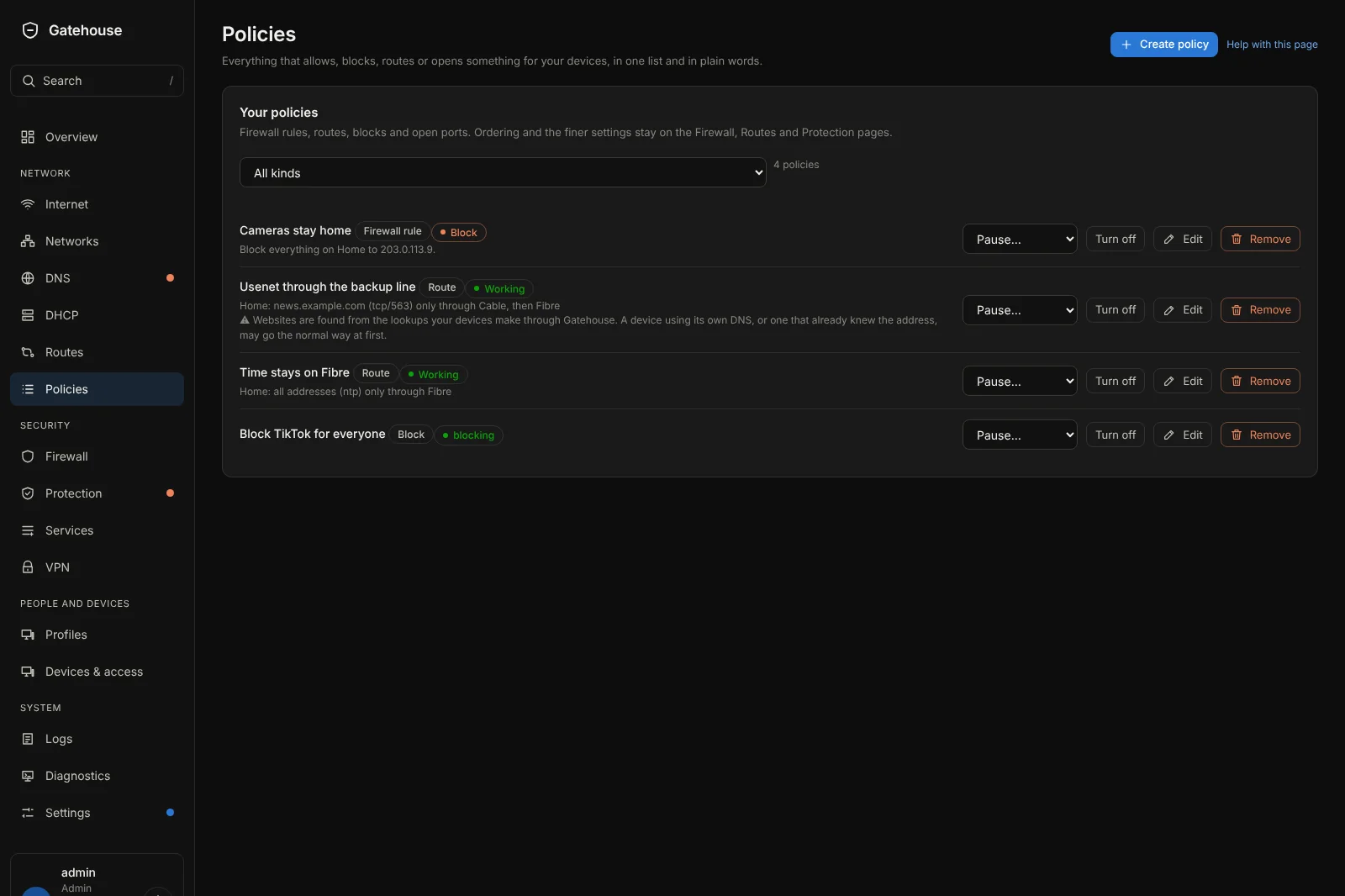
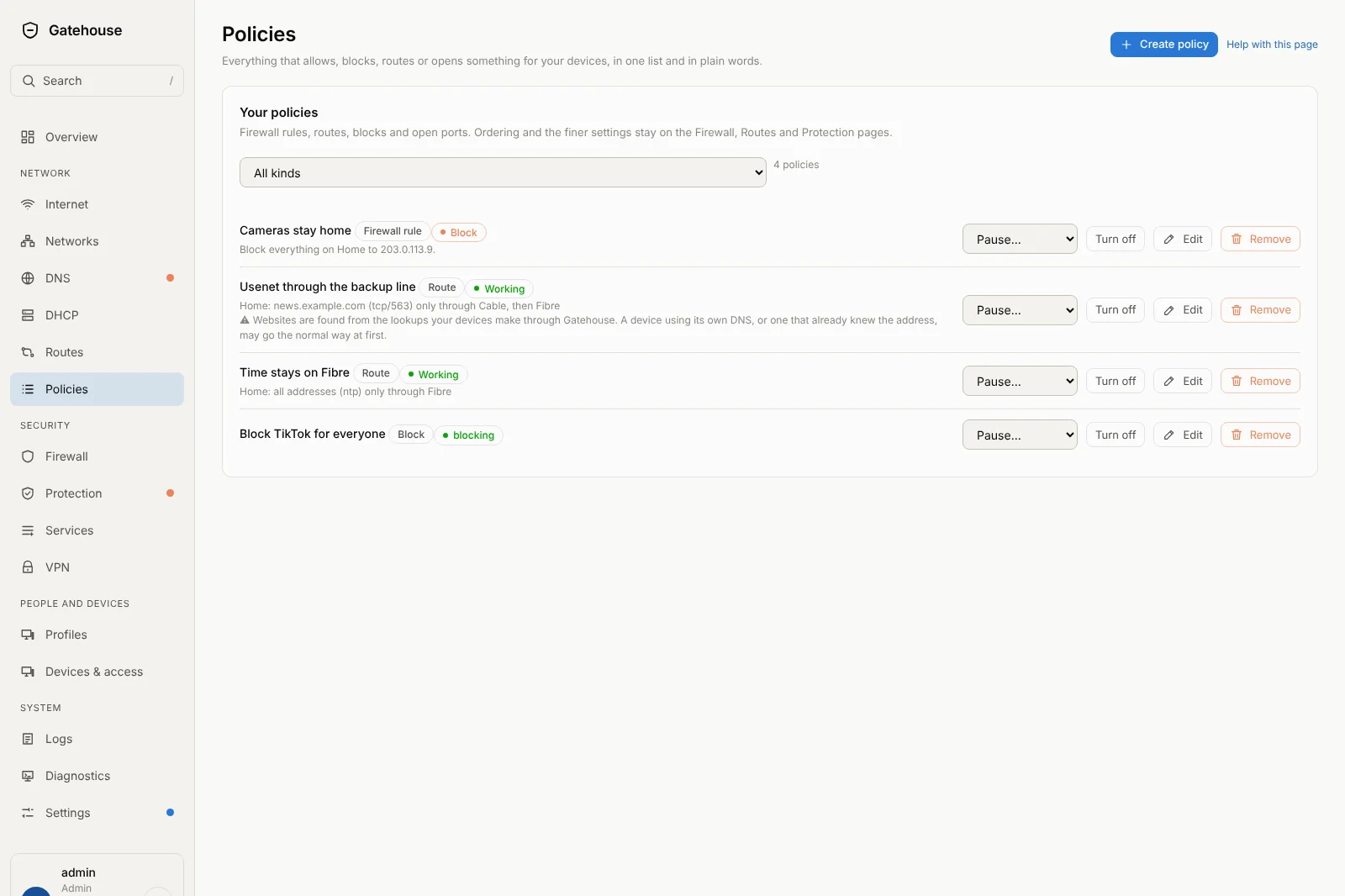
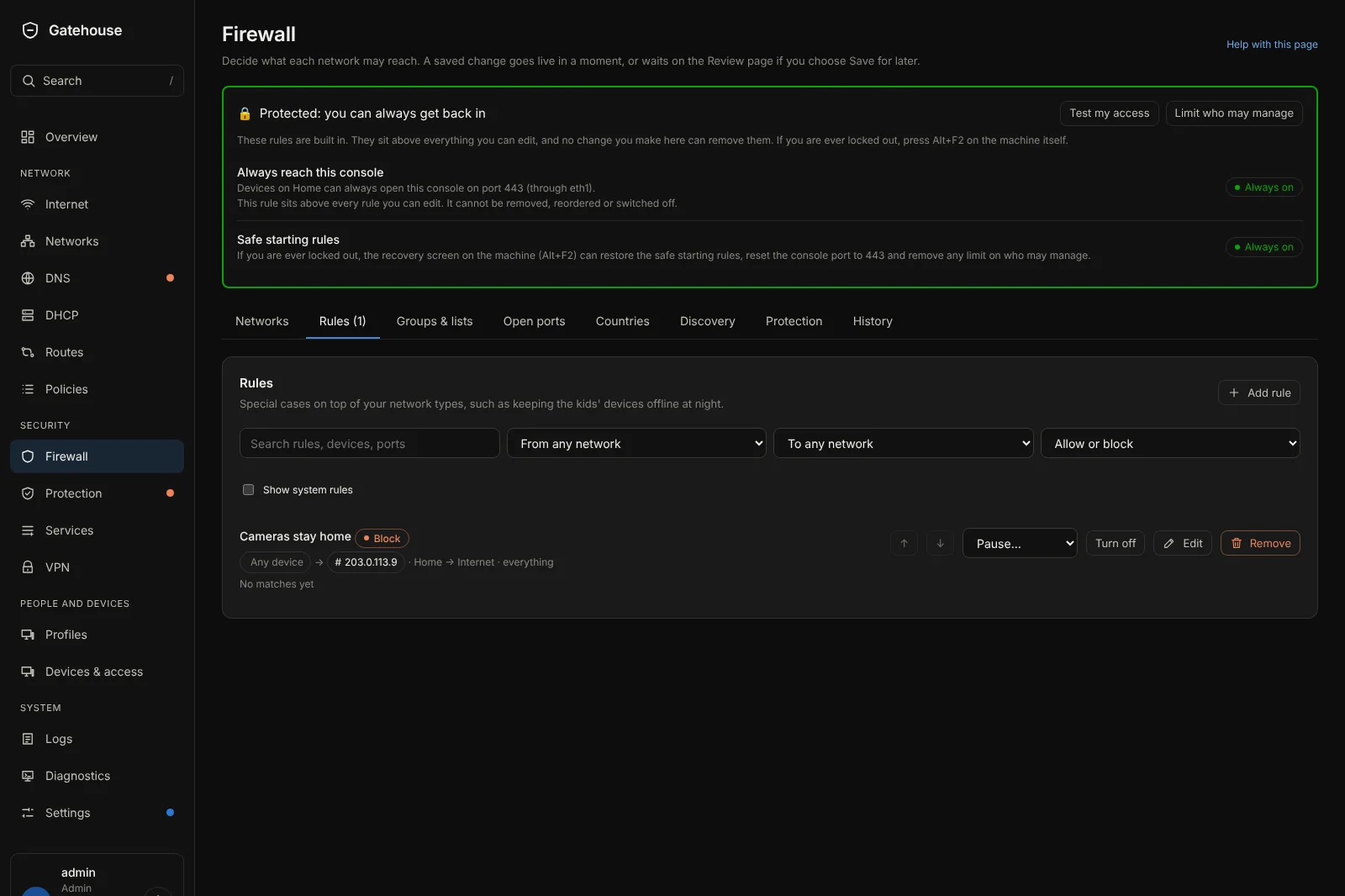
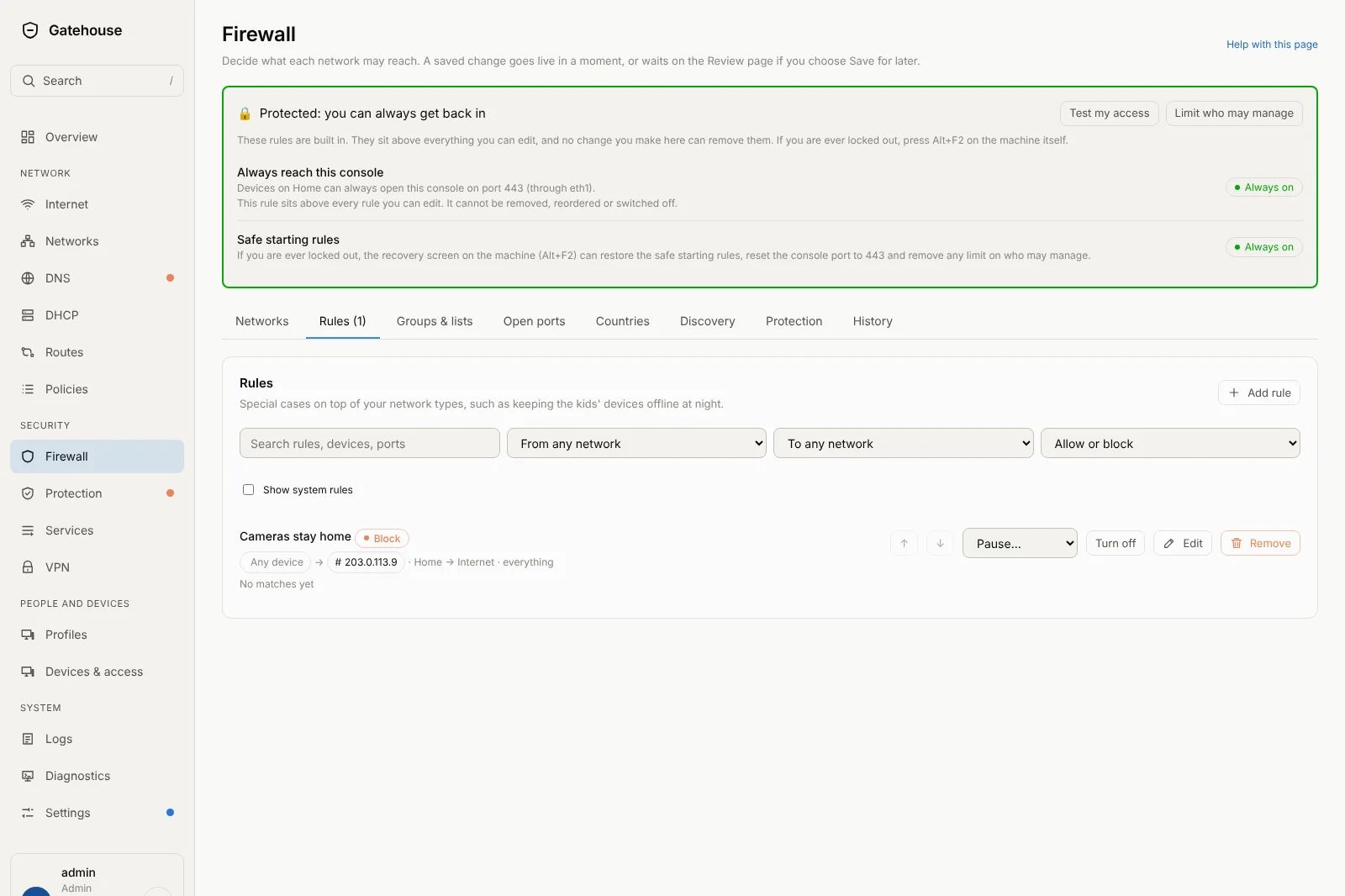
Firewall rules, routes, blocks and open ports in one list, each described in a sentence. Pause, turn off, edit or remove from the row, or press Create policy. It sits next to Routes in the menu.
Light and dark in one click
A sun and moon button by your name at the bottom of the menu. Your choice is remembered on every page.
A calmer phone layout
A short top bar with Search and Menu, and the menu opens as a list instead of running off the edge.
Tidier alerts
Threat alerts are one card per kind per device, with the website or name of each address and the buttons together on the right.
Connecting, with dots
A VPN that is still connecting now shows counting dots, so you can tell it is working on it.
Code asked once
If you asked for a code before changing the firewall, it is remembered for 15 minutes.
Even links
Links are the same size as the words around them everywhere.
Release 0.9.1
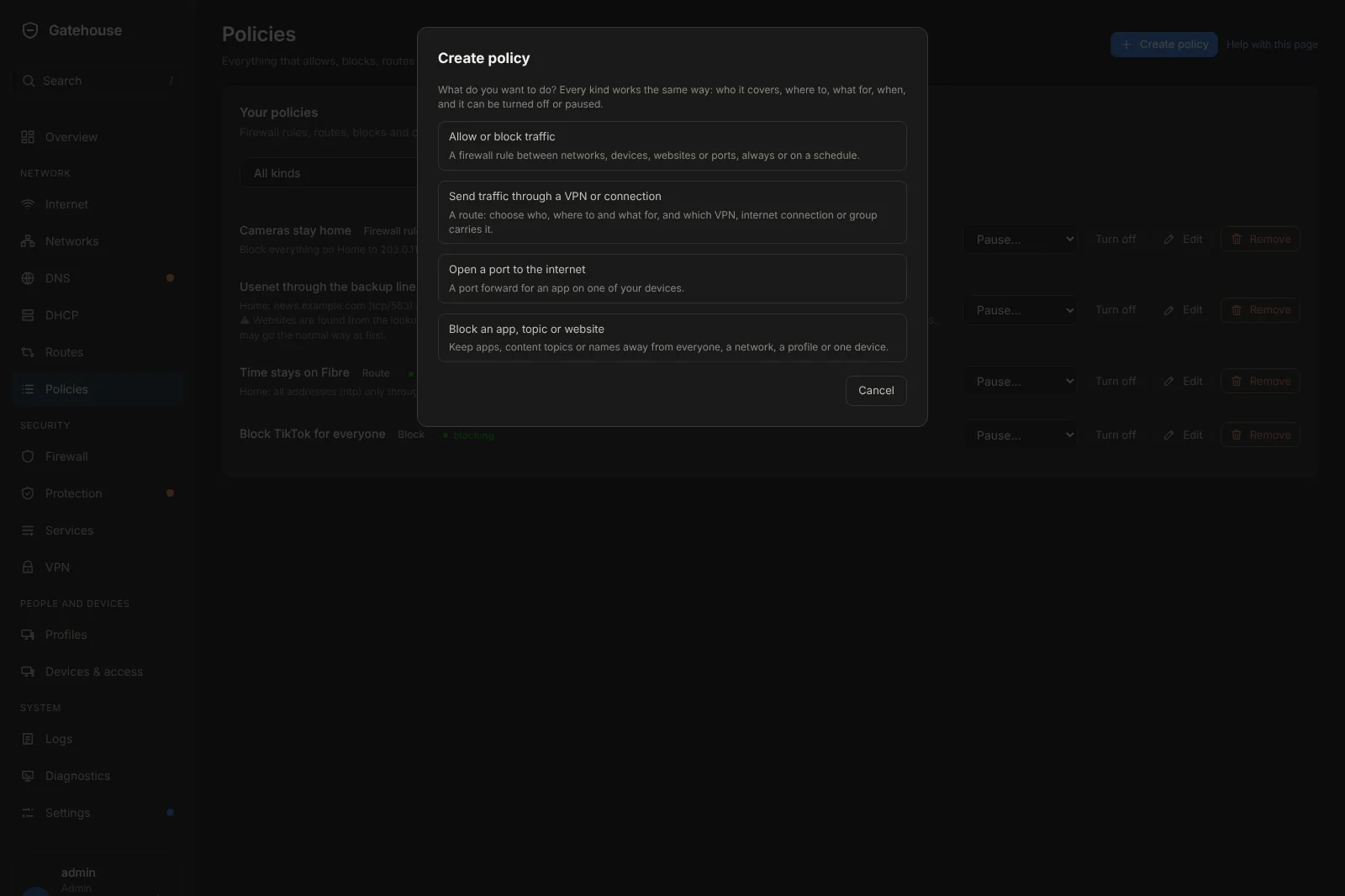
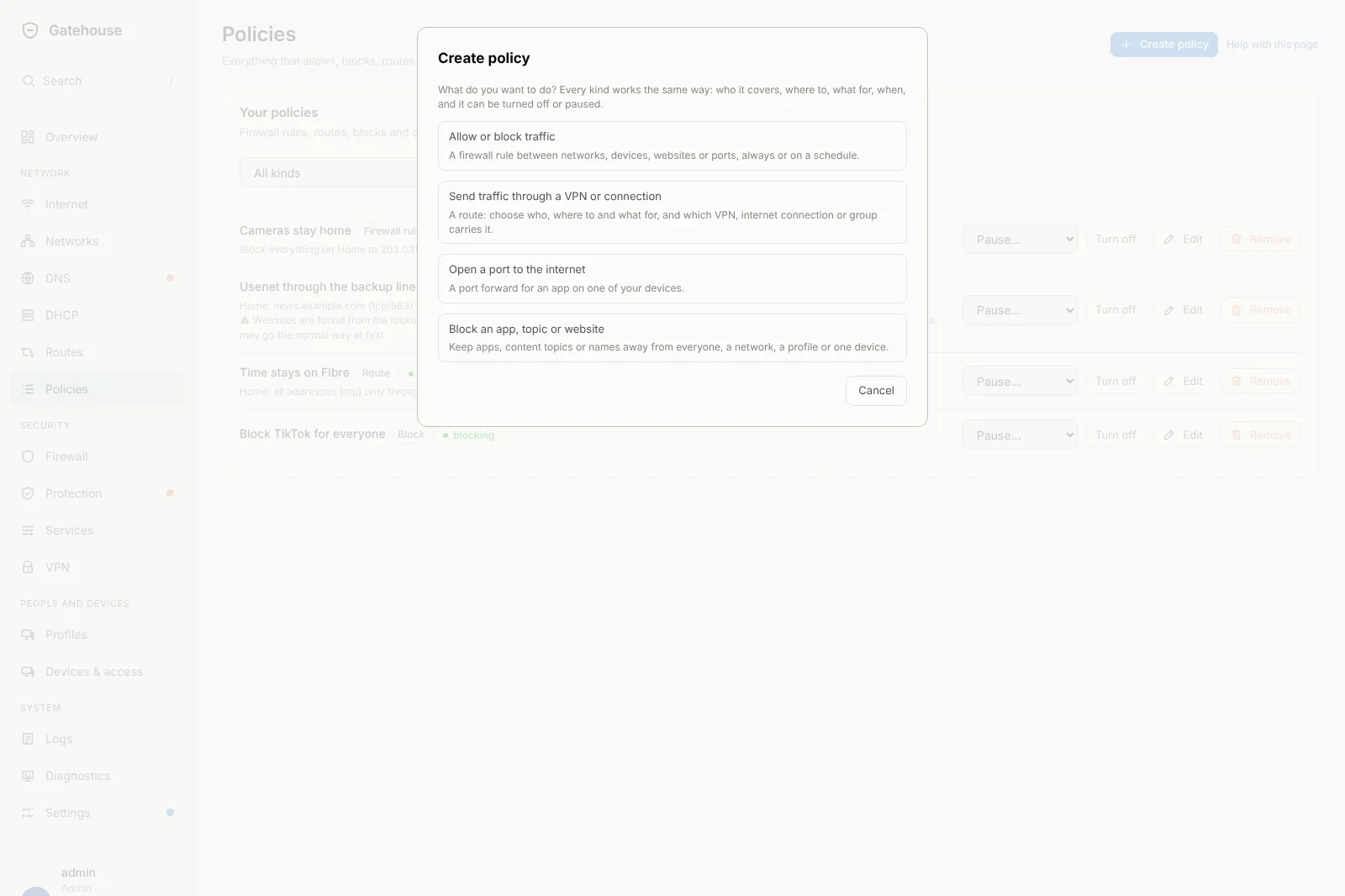
One way to make every policy.
Create policy
One button (now on the Policies page) asks what you want to do (allow or block traffic, send traffic through a chosen connection, open a port, block an app) and opens the right form. They all share the same pickers, the same list of services and the same wording.
Routes that go where you say
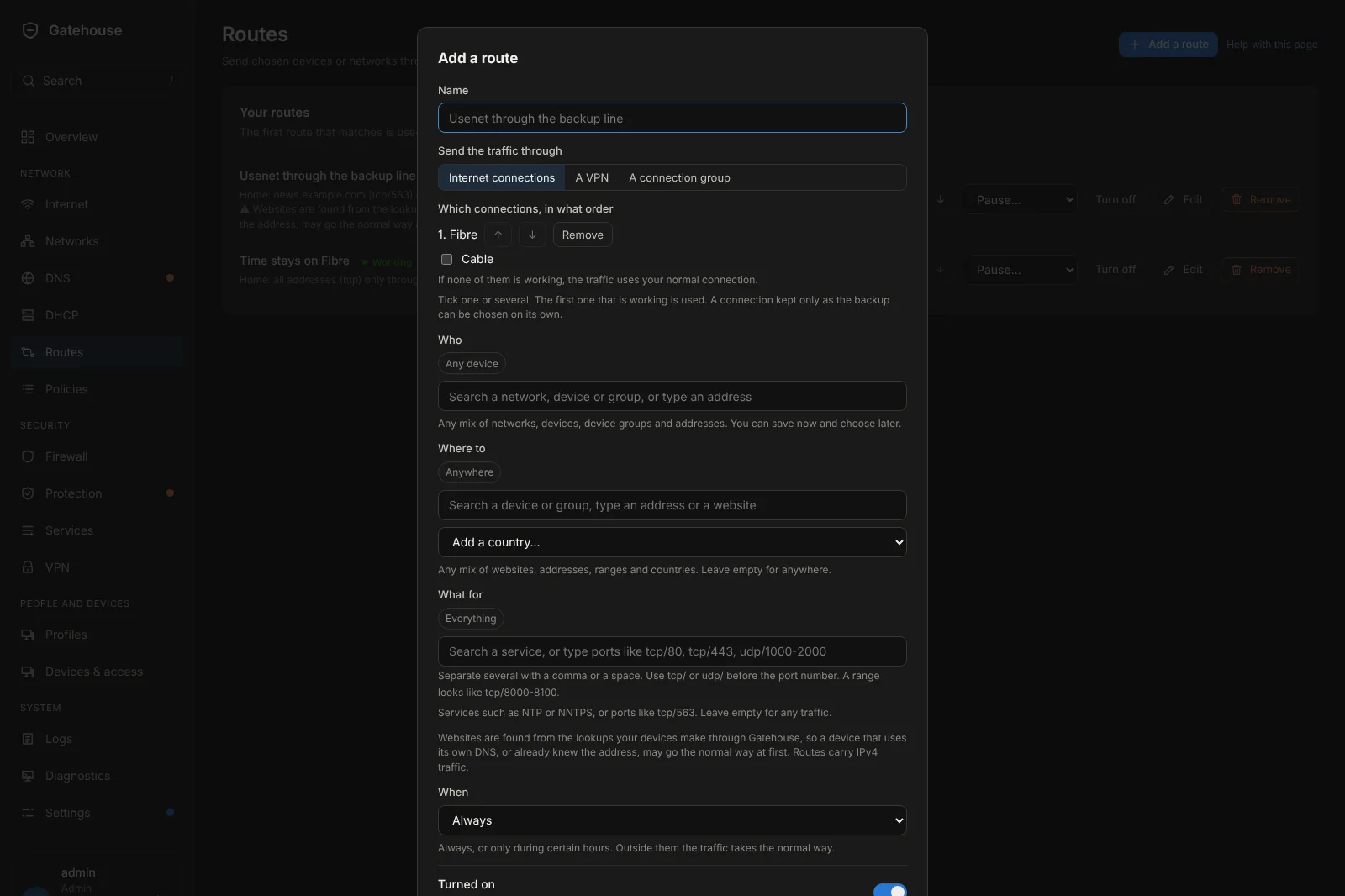
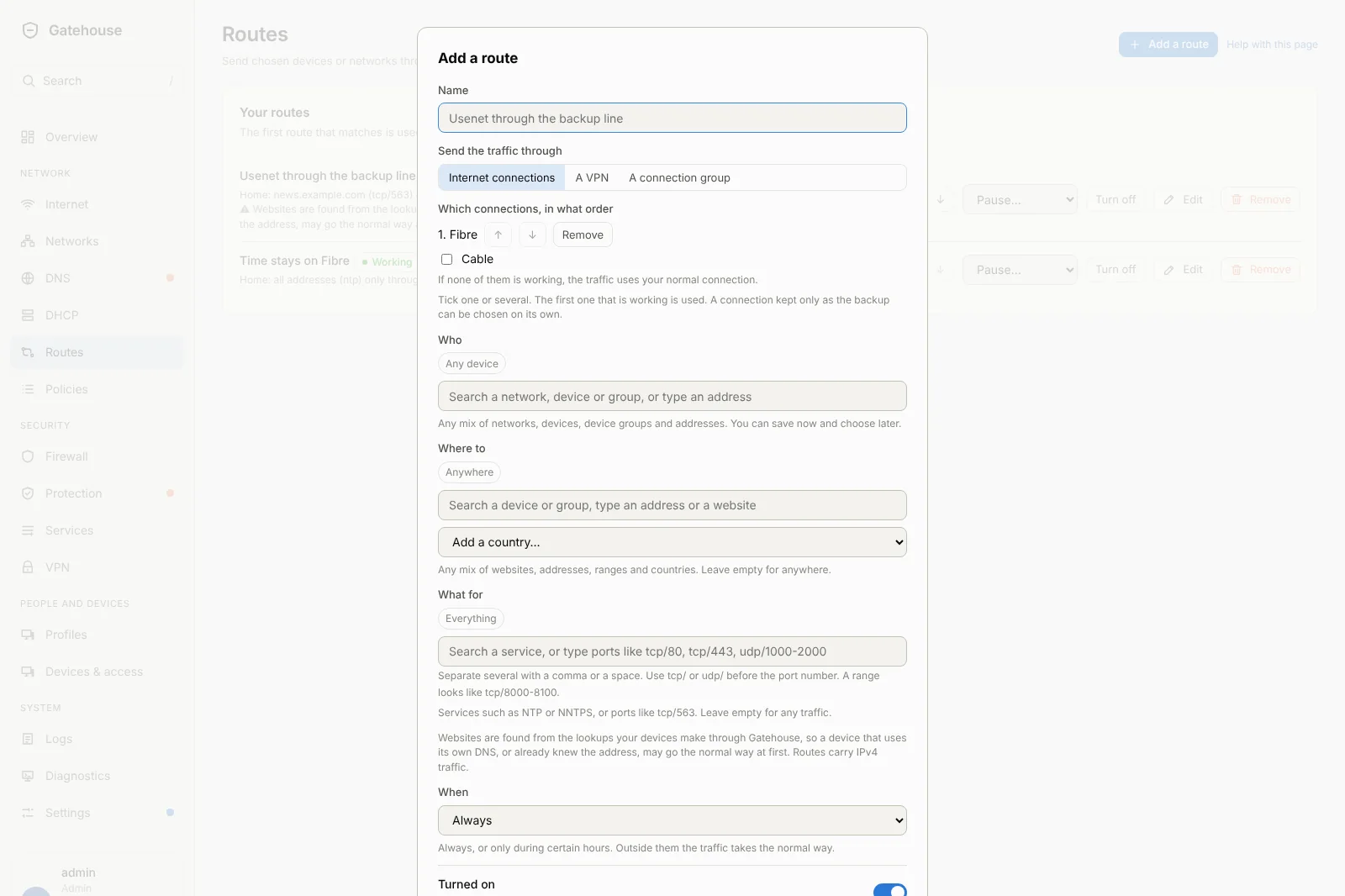
Match any mix of websites, addresses, ranges, countries and ports (like NNTPS or NTP) for a network, a device, a group or an address. Send it through a VPN, a connection group, or one or several of your connections in the order you choose, to fail over or to share the load.
- Up to 16 routes
- A backup-only line can be used on its own
- Read back to you in plain words
The same controls everywhere
Rules, routes, blocks and port forwards can all be turned on or off, paused for a set time or until you resume, put on a schedule, edited and removed. Each one says in words what it does and whether it is working.
Everything is logged
Admin activity now lists every policy change, including pause, resume, schedule edits and reordering.
Keep address
Give a device a fixed address in one click from the Devices page. Release it just as easily.
Backups keep up
Backups, restore and reset include the new routes, pauses and schedules. Older routes come back unchanged.
Better on a phone
The Create policy choices and route selector now wrap neatly on small screens.
Less clutter
Threat alerts are grouped into one card per kind of alert per device, with the details folded away.
Tested harder
Tables are now tested past their limits, and every read-only page is checked on a brand-new box.