The firewall that speaks plain English.
NopeWarden looks after your network's firewall, DNS and DHCP in one calm place. Fewer clicks, fewer scary words, and a safety net under every change.
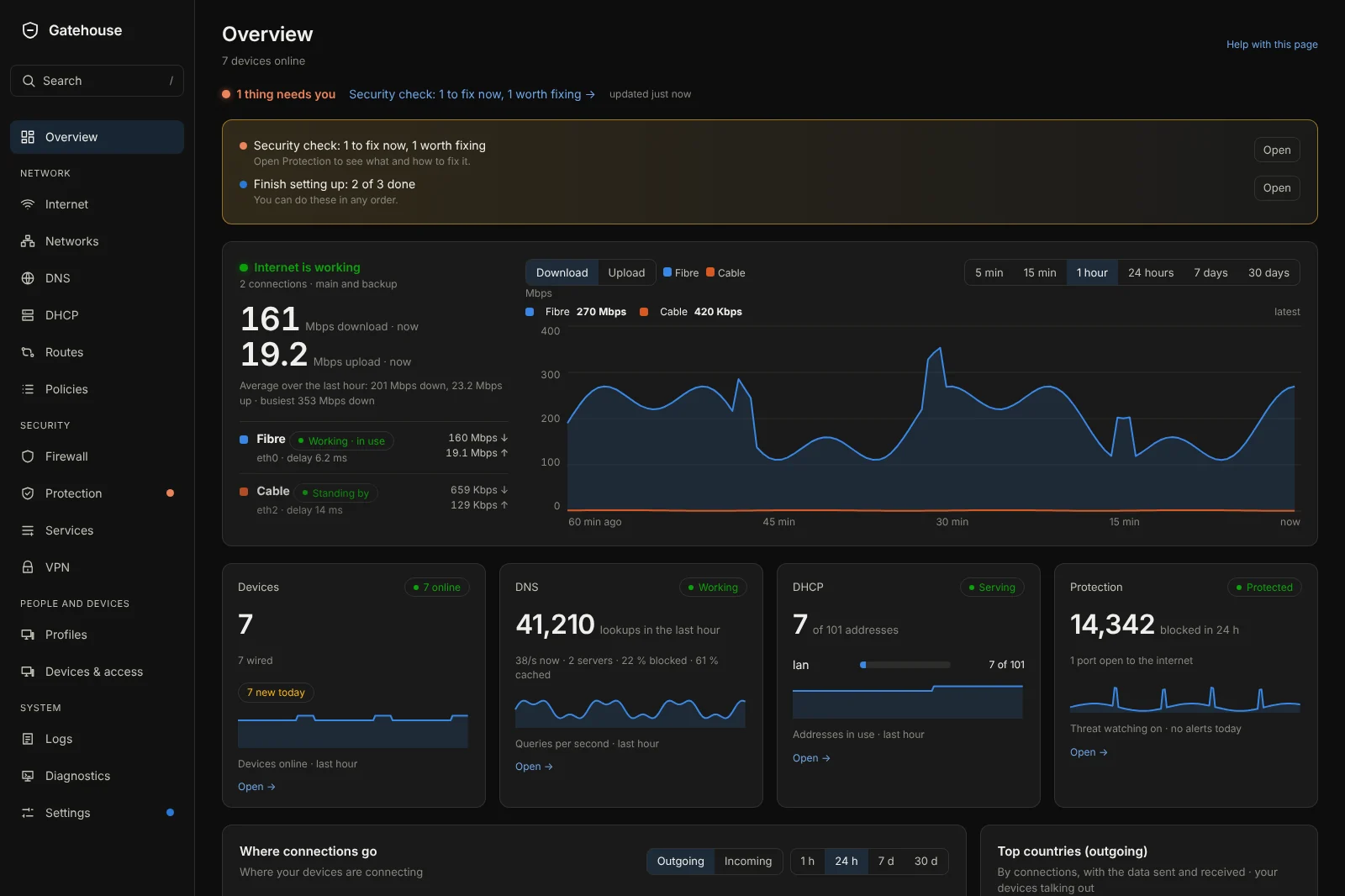
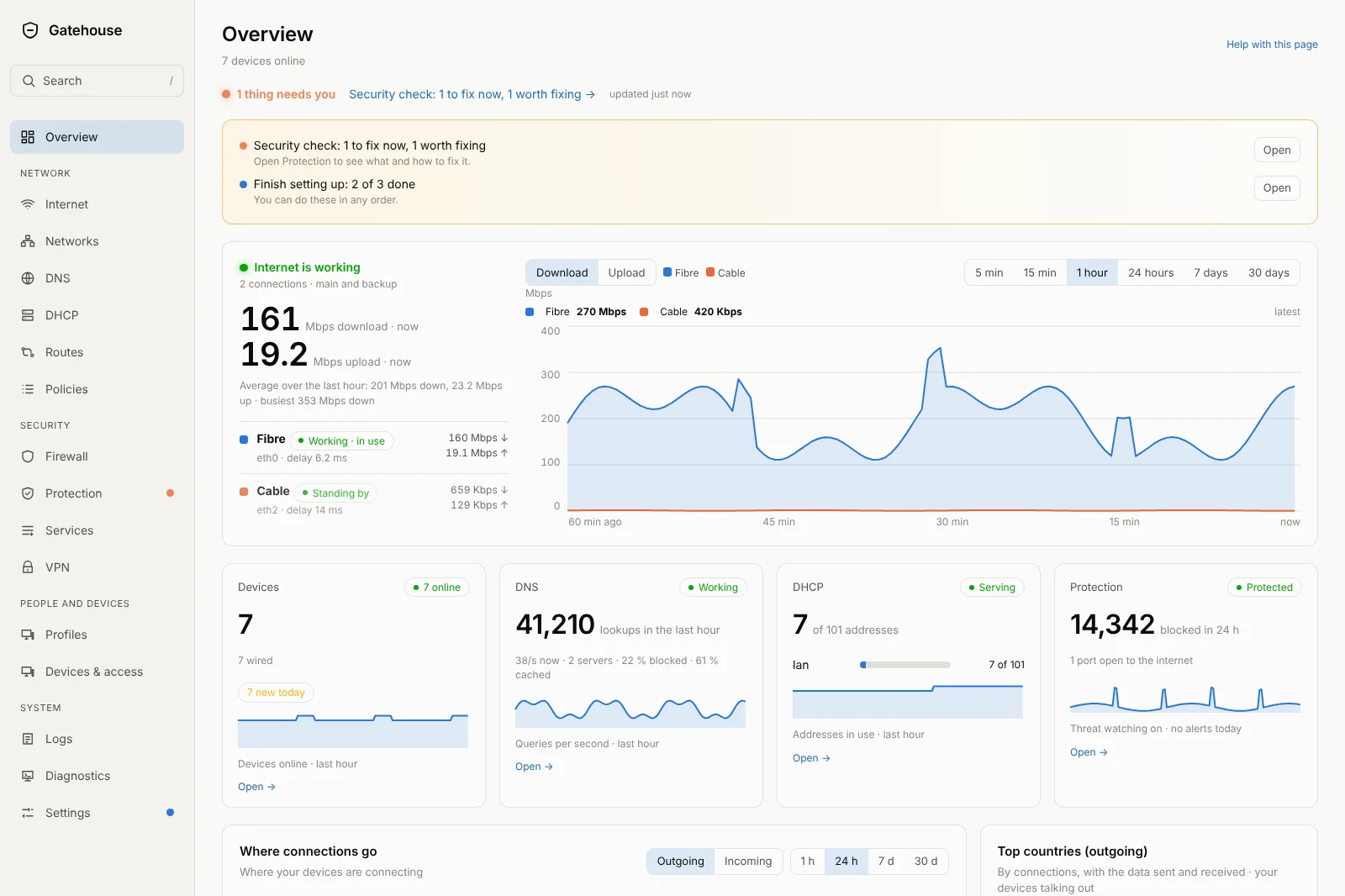
Easy first. Everything else second.
Most network gear is made for people who already know networking. NopeWarden is made for everyone else, and it stays out of the way of people who do.
Plain words
Rules read like sentences. "Kids tablet off at night", not a wall of codes. Every page says what it is for and what will happen.
Three clicks or fewer
The goal for every everyday job: pause a device, keep its address, open a port, send traffic through a chosen connection. Most are already there.
A way back
A change goes live, then NopeWarden checks you can still reach it. If you can't, the old settings come back within 60 seconds by themselves, so you can't lock yourself out.
Save it, and it is live.
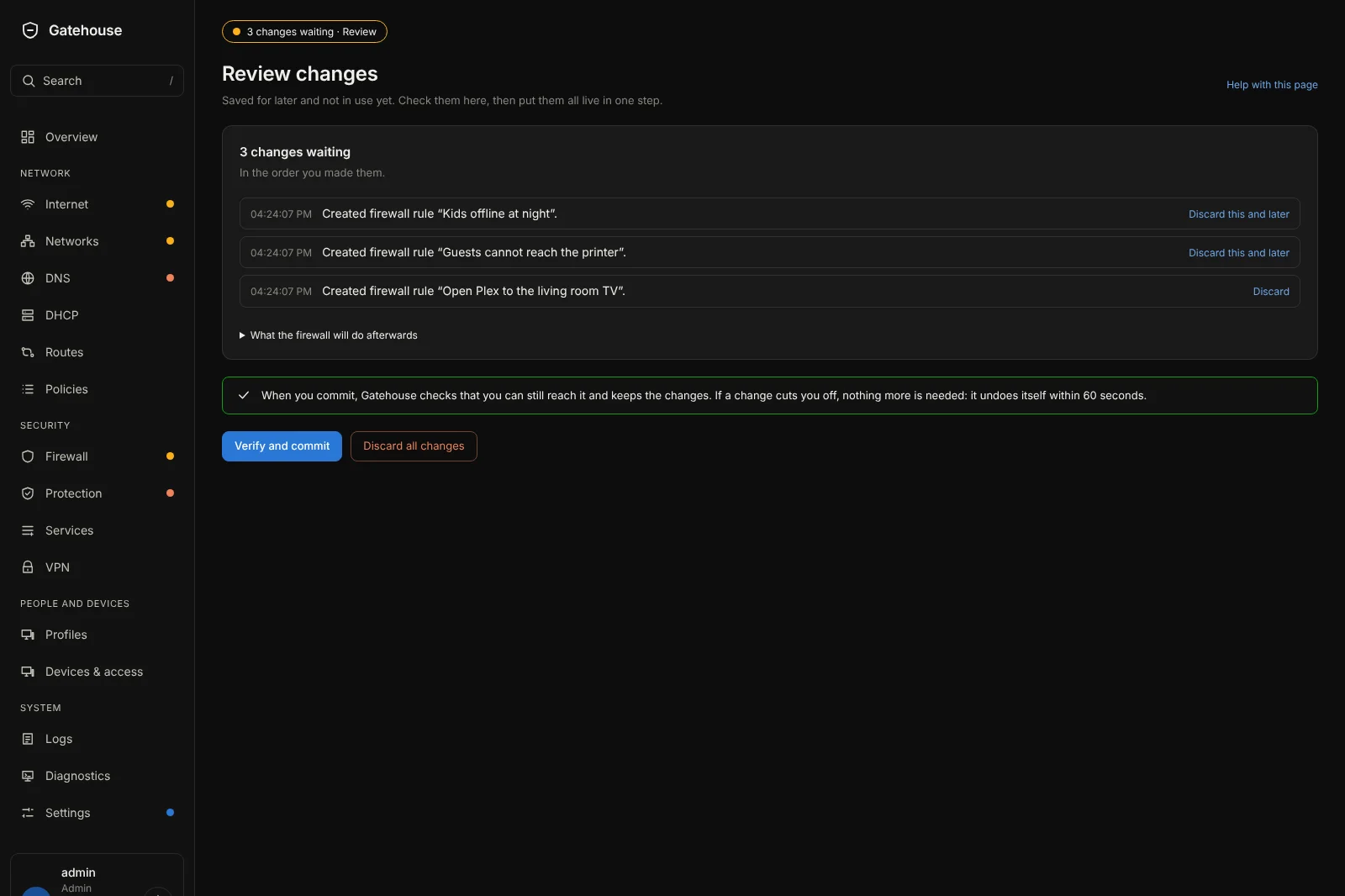
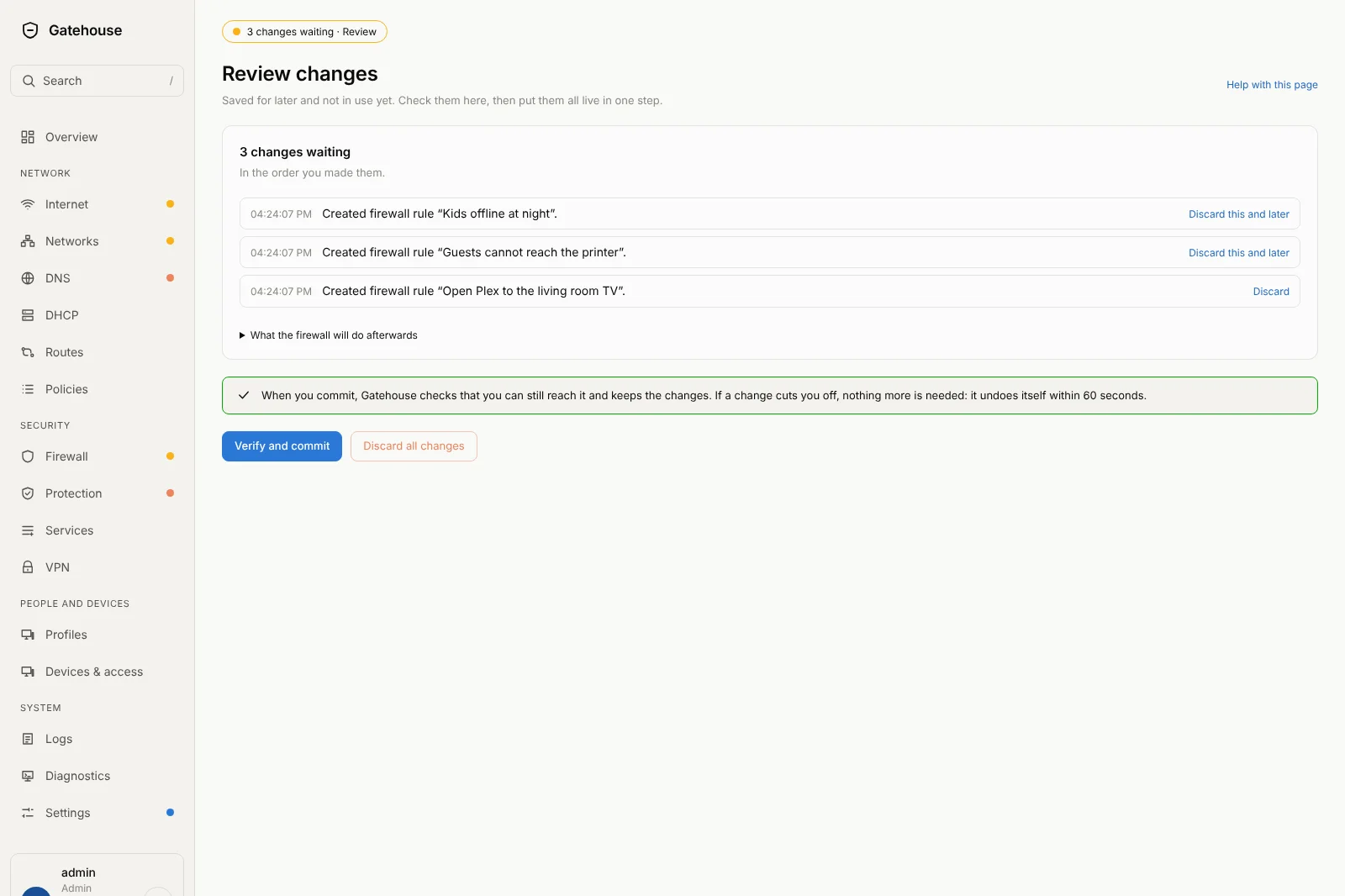
One click puts a change to work. NopeWarden then checks that you can still reach it and keeps the change; if a change ever cuts you off, it undoes itself within 60 seconds. Want to collect several changes first? Save for later puts them on a Review page, written in plain words, and one button puts them all live.
- Save and apply, or Save for later, on almost every form
- A Review page that lists every waiting change in words
- Discard one waiting change without losing the rest
- Anything risky waits for your say-so, with the reason shown
Every rule, in one list.
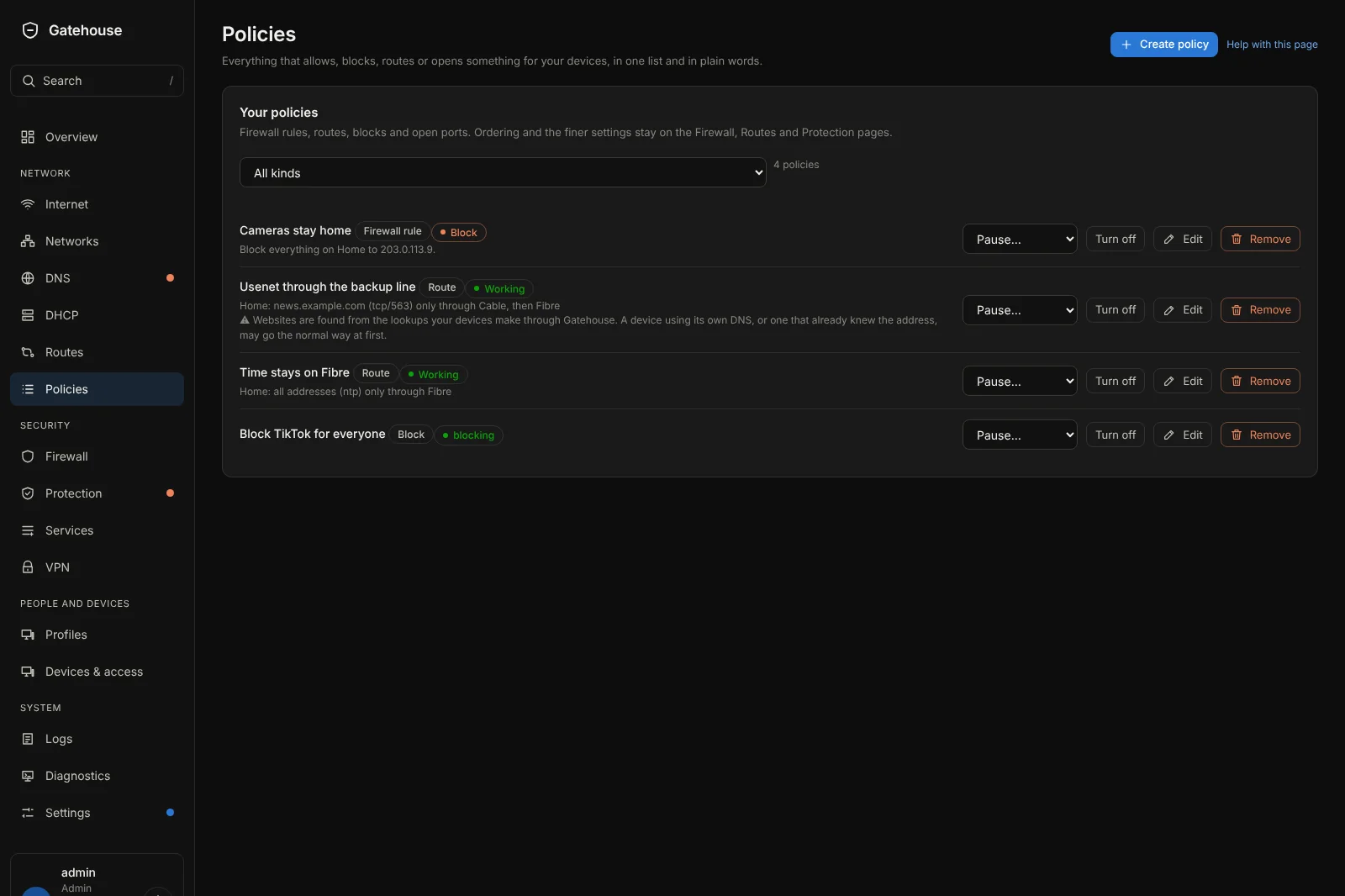
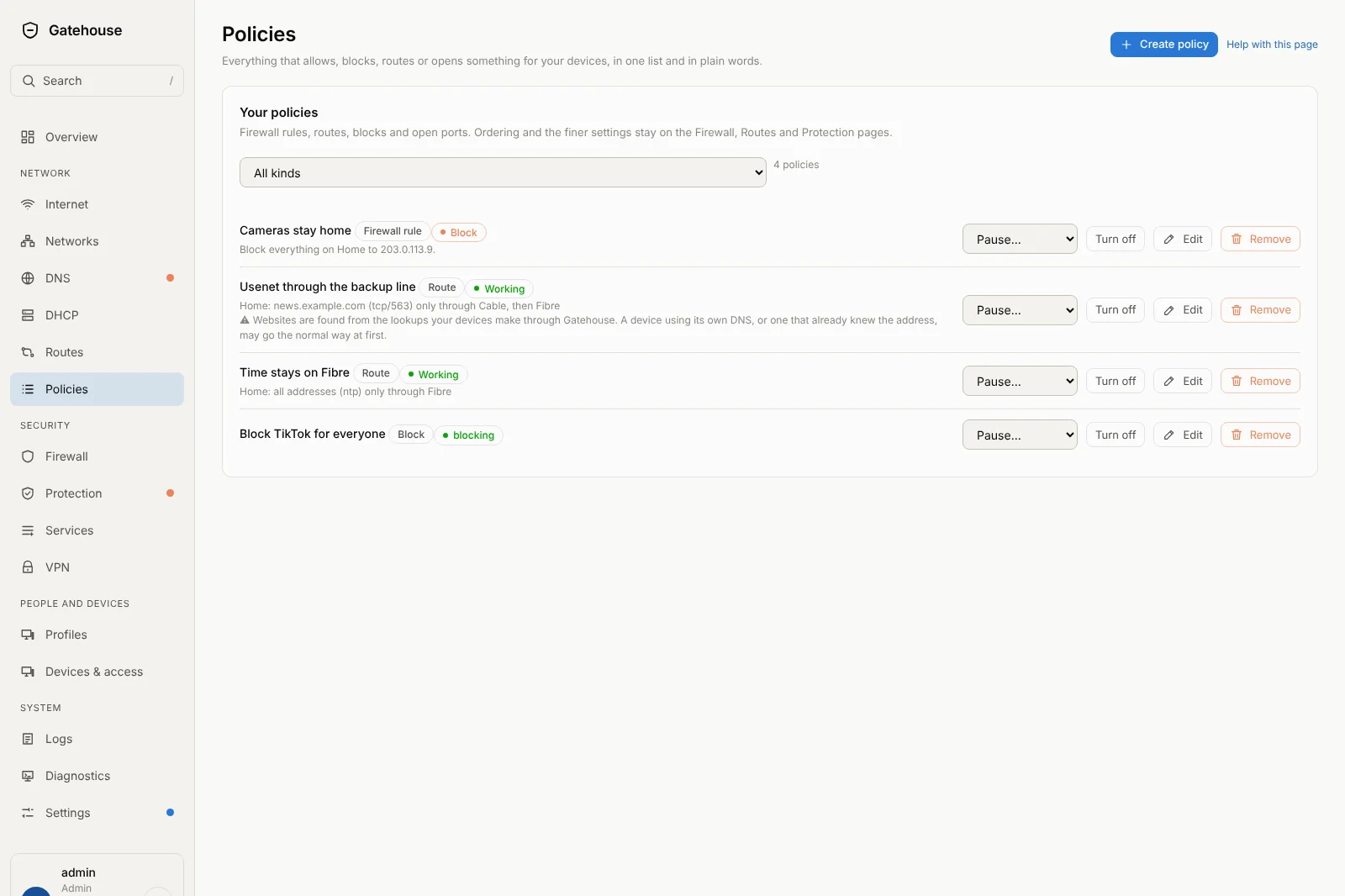
Whether it blocks a device, sends a website through a chosen internet connection, opens a port or keeps an app away from the kids, it all lives on the Policies page. One sentence each, with Pause, Turn off, Edit and Remove on every row, and Create policy at the top.
Send traffic the way you choose.
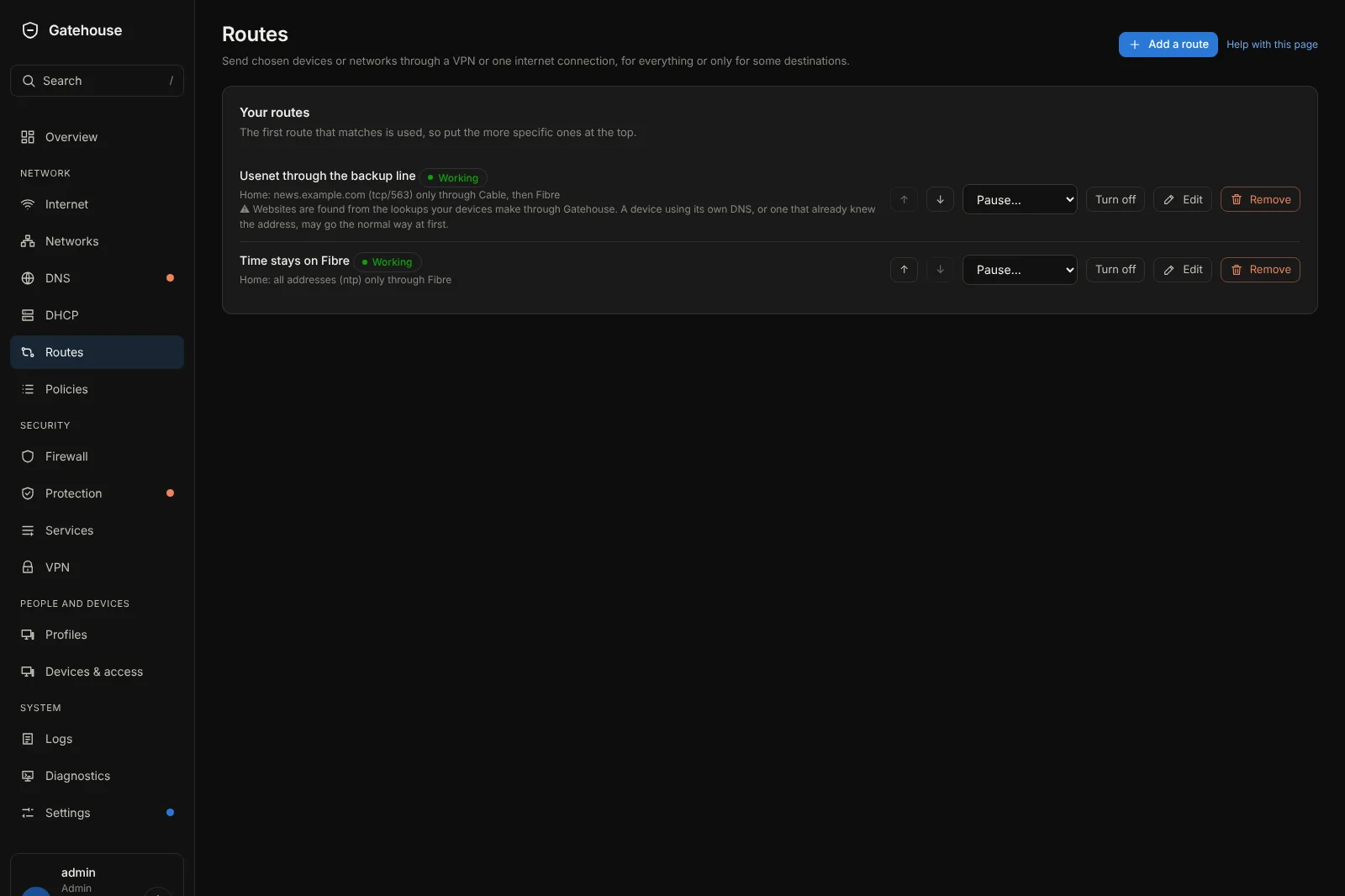
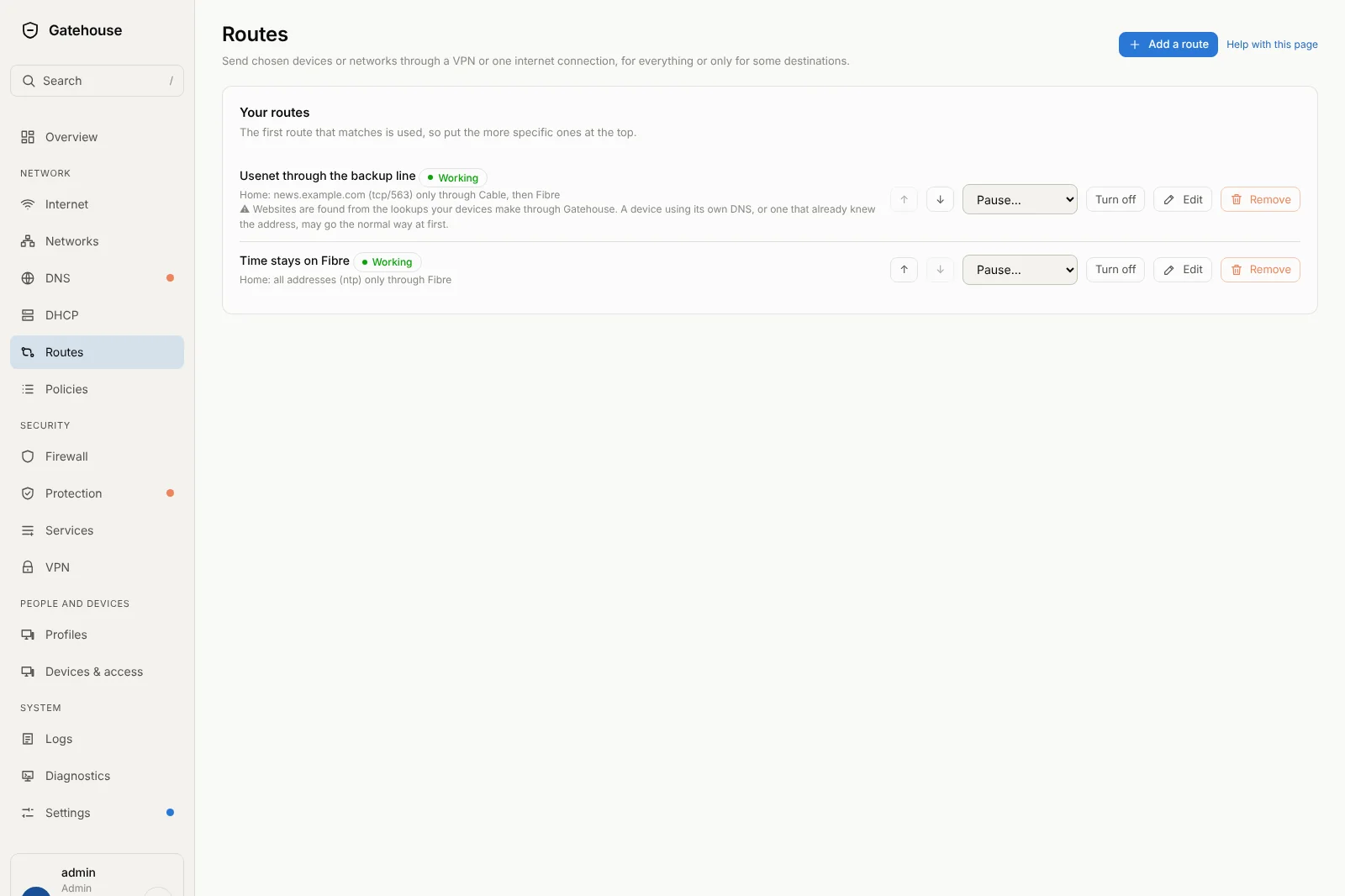
Want your news reader to use the backup line, or your work laptop to go through a VPN? Pick the device, the website or service, and the connections in the order you like. If one goes down, the next takes over.
It is written back to you in words, so you can check it at a glance: "Kitchen PC: news.example.com (tcp/563) only through Cable, then Fibre."
Know every device. Control it in one click.
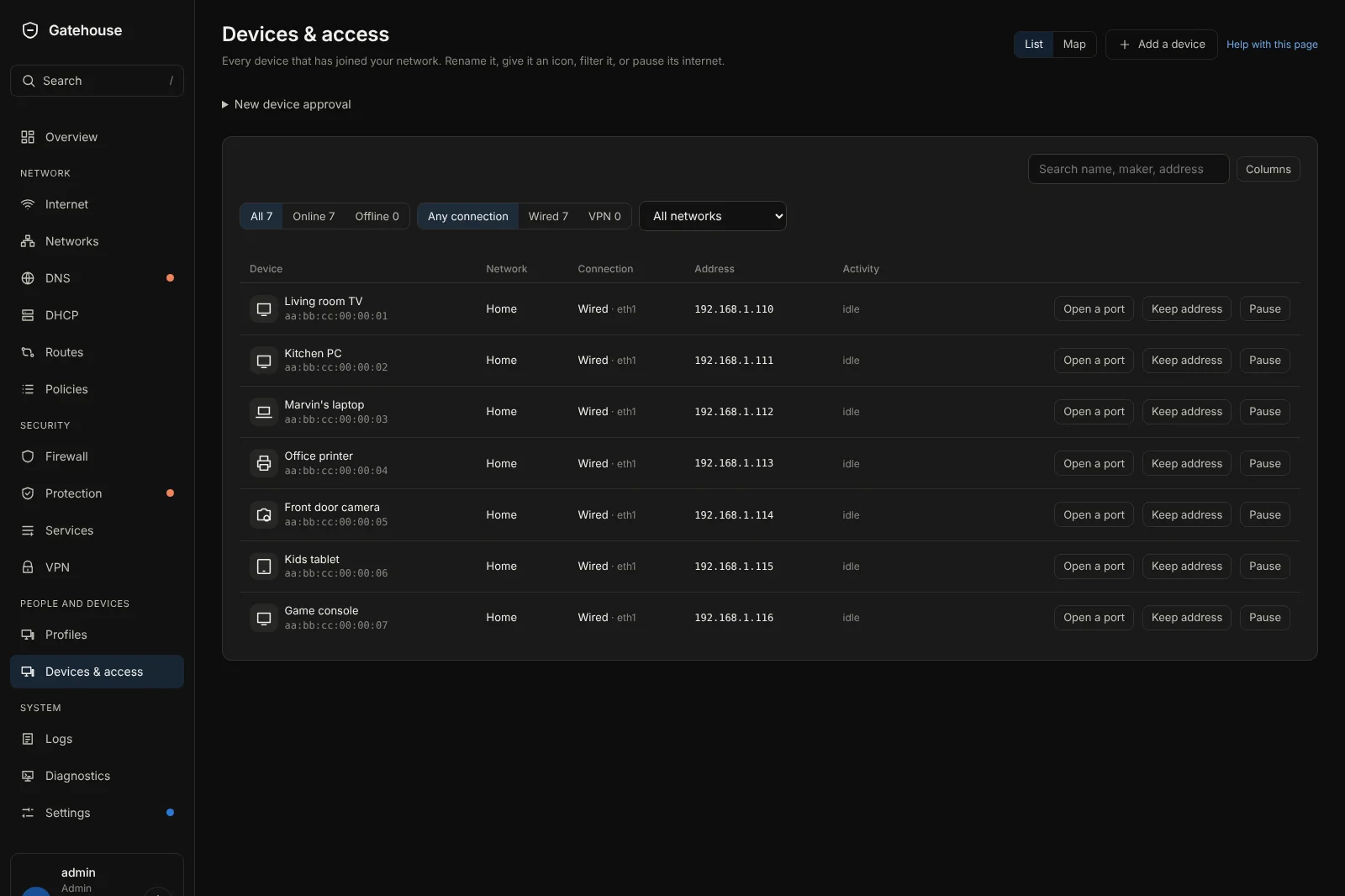
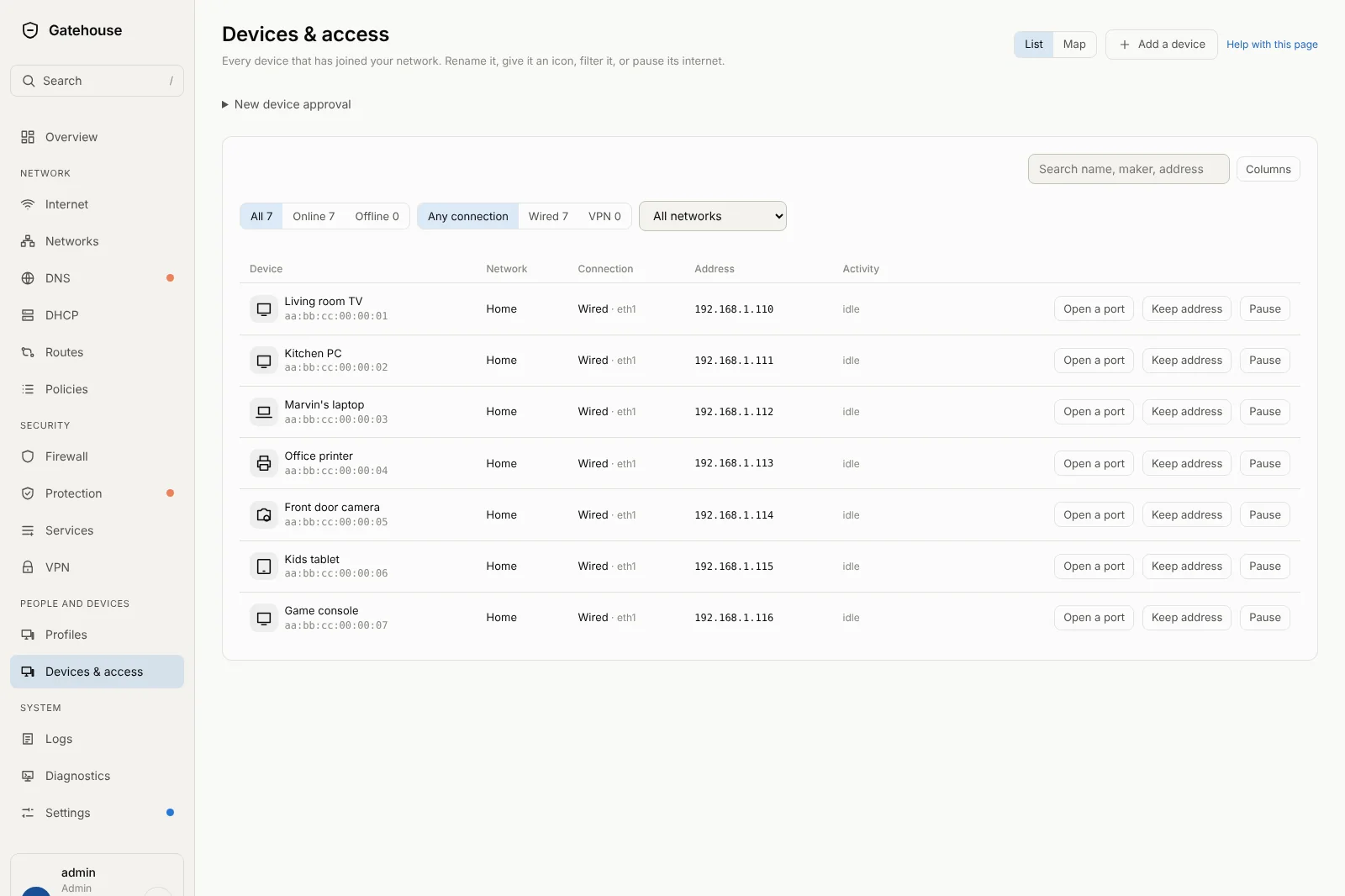
Every phone, TV and camera on your network in one tidy list. Give it a name, pause its internet, open a port for it, or keep it on the same address with Keep address.
Tested on real hardware, big and small.
NopeWarden is currently being tested on ordinary x86 computers and on small console-only devices with no screen or keyboard. You manage it from any web browser, even on your phone.
Honest about where it stands.
NopeWarden is still in beta. It is working extremely well day to day, and there is still work to go. Here is exactly what is solid and what is being polished.